How to Create a new contact in the Outlook Web Application (OWA) 1. Click on the Contacts Icon New Message 2. Click on the “New Contact” button New Contact 3. Enter the required information for the contact and click “Create.” Create

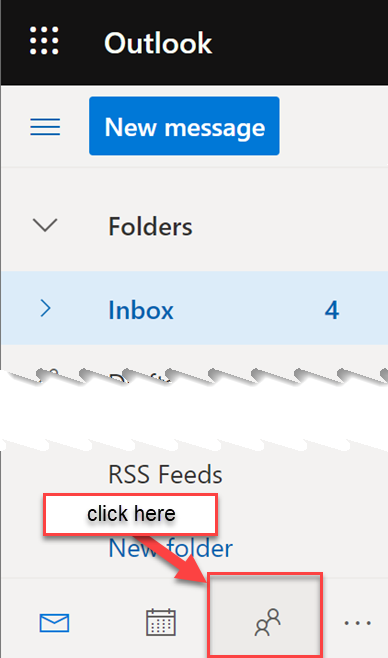 New Message
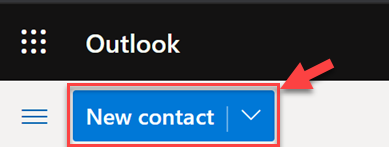 New Contact
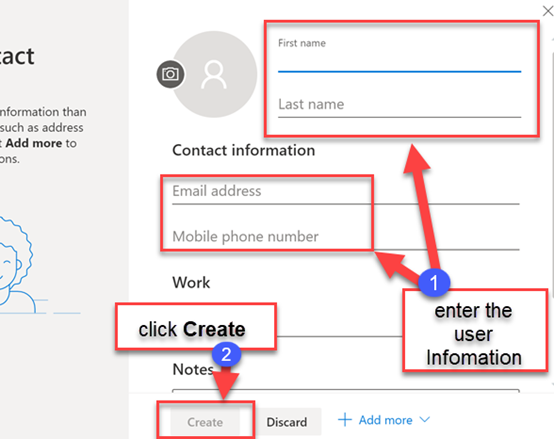 Create