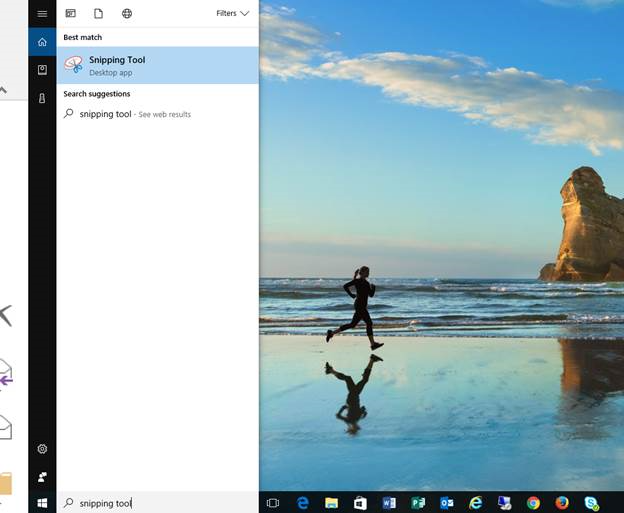
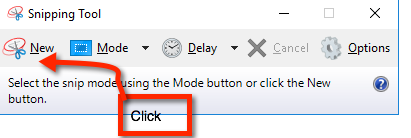
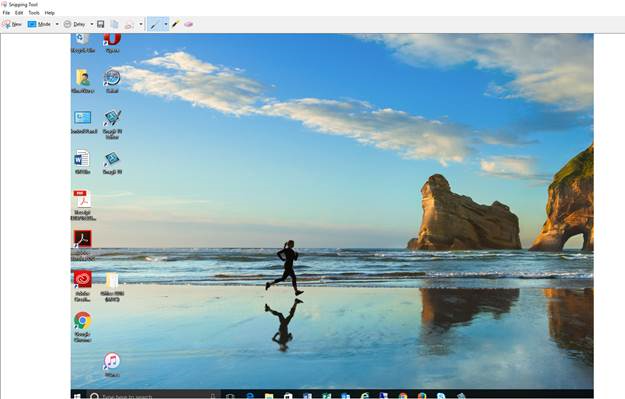
How to Take a Screenshot of a Specific Part of Your Screen Type Snipping Tool into the Search Bar next to the Start Menu.Start Menu Select Snipping Tool Click New Snipping Tool Click and drag the cursor to select the area of the screen you want to use, release the cursor once you've selected the space you want to capture.Screen Shot The screen shot is open in the Snipping Tool.